

Setup
Enable GalaxyBot Plus
Go to our dashboard at https://dash.galaxybot.app and select the Discord server where you have already added GalaxyBot.
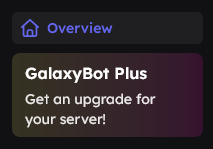 If you are authorized, a "Plus" button will appear in the dashboard. Click on it – you will see the monthly price, which depends on your server's member count. Small communities pay less, large servers pay a bit more – so it stays fair for everyone.
Then press "Next" to start setting up your Custom Bot.

Create a Discord Application
To use your own bot, you need to create your own Discord application. This is very easy to do via the official Discord Developer Portal: https://discord.com/developers/applications
Here's how
Visit the Discord Developer Portal
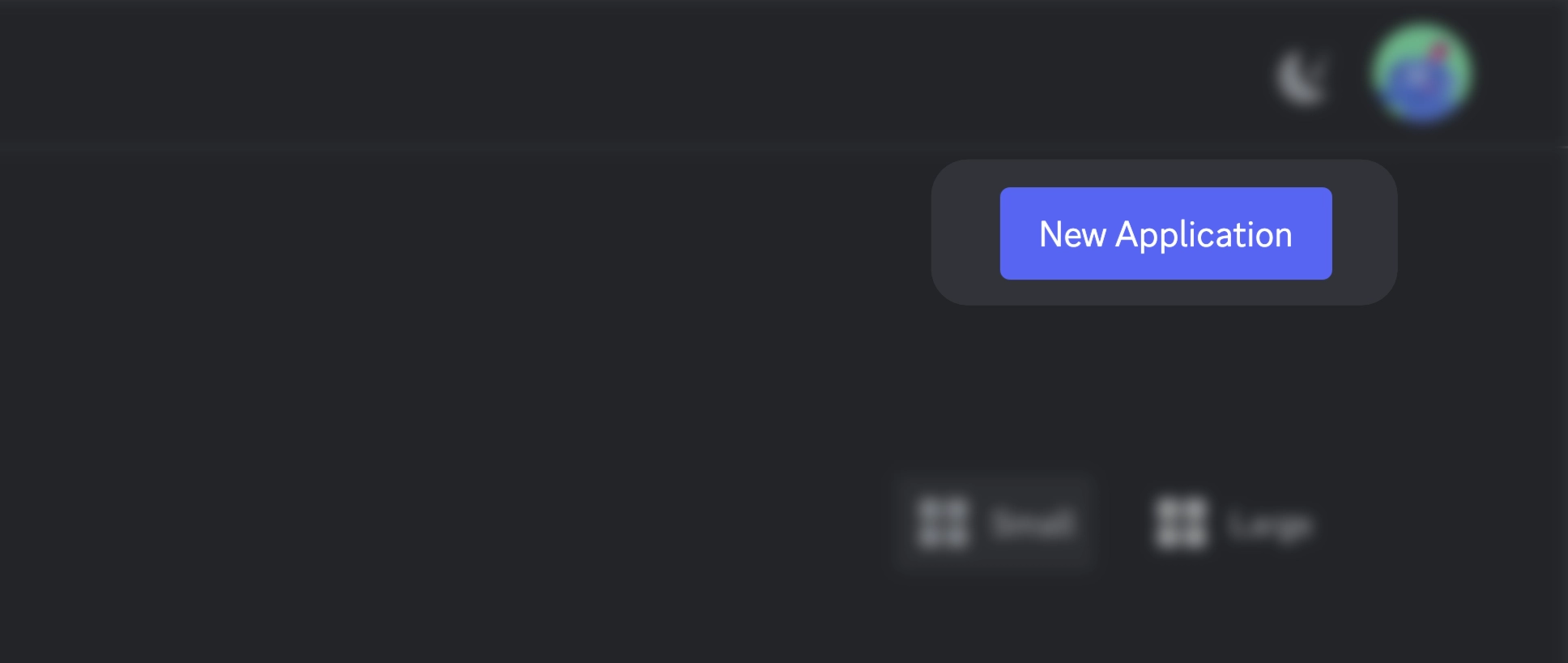
Click on "New Application" in the top right
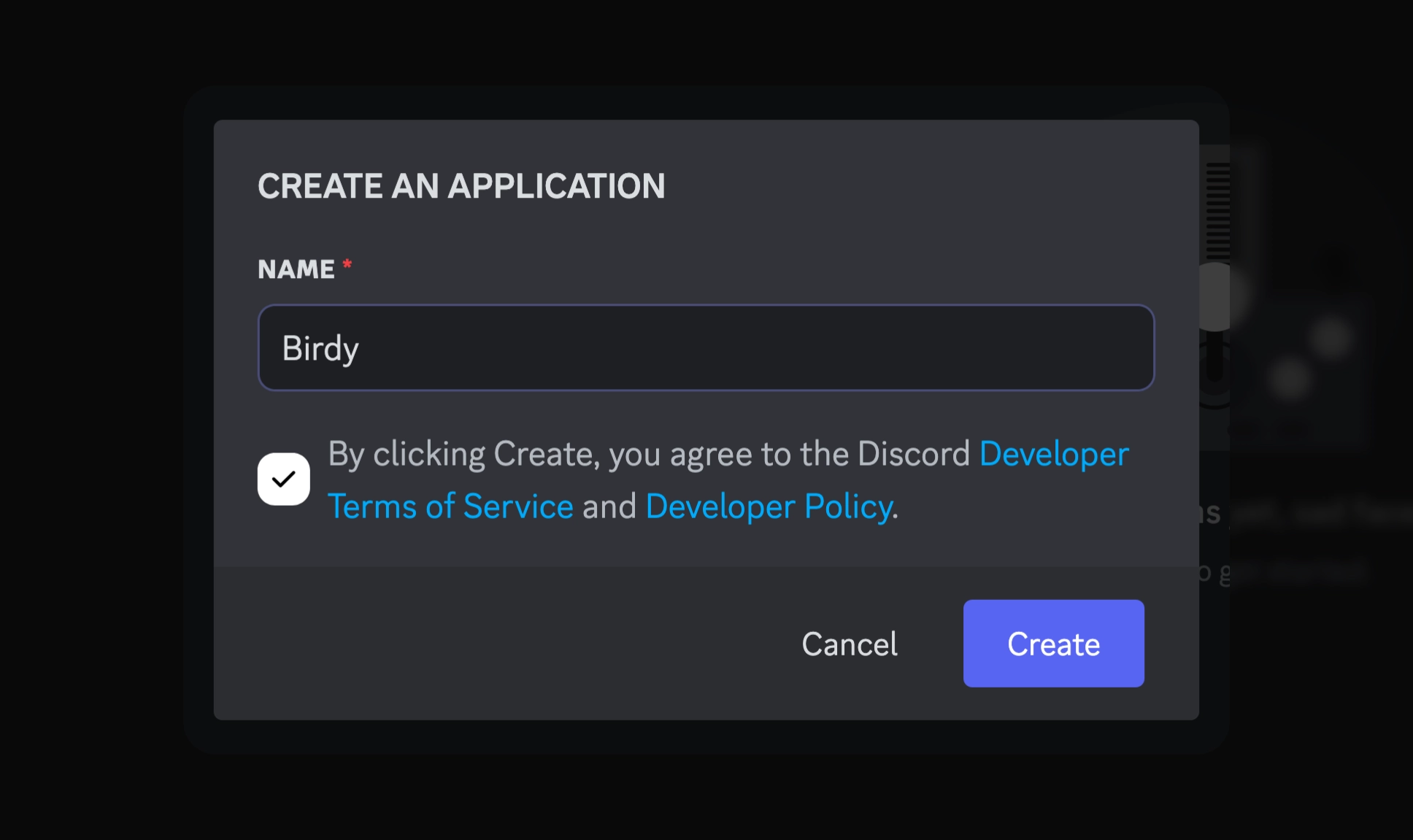
Give your bot a name and confirm with "Create"
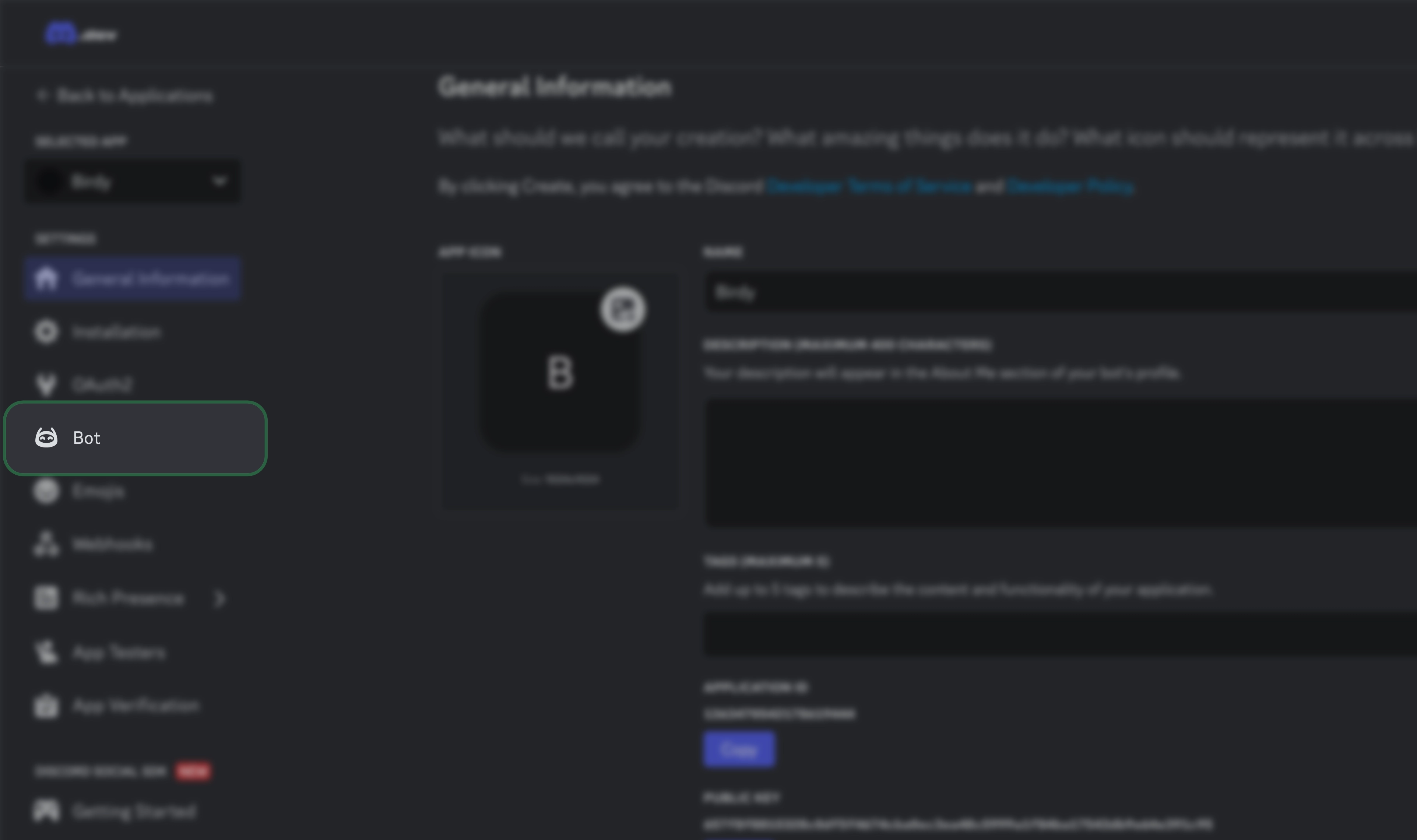
Switch to "Bot" in the left sidebar
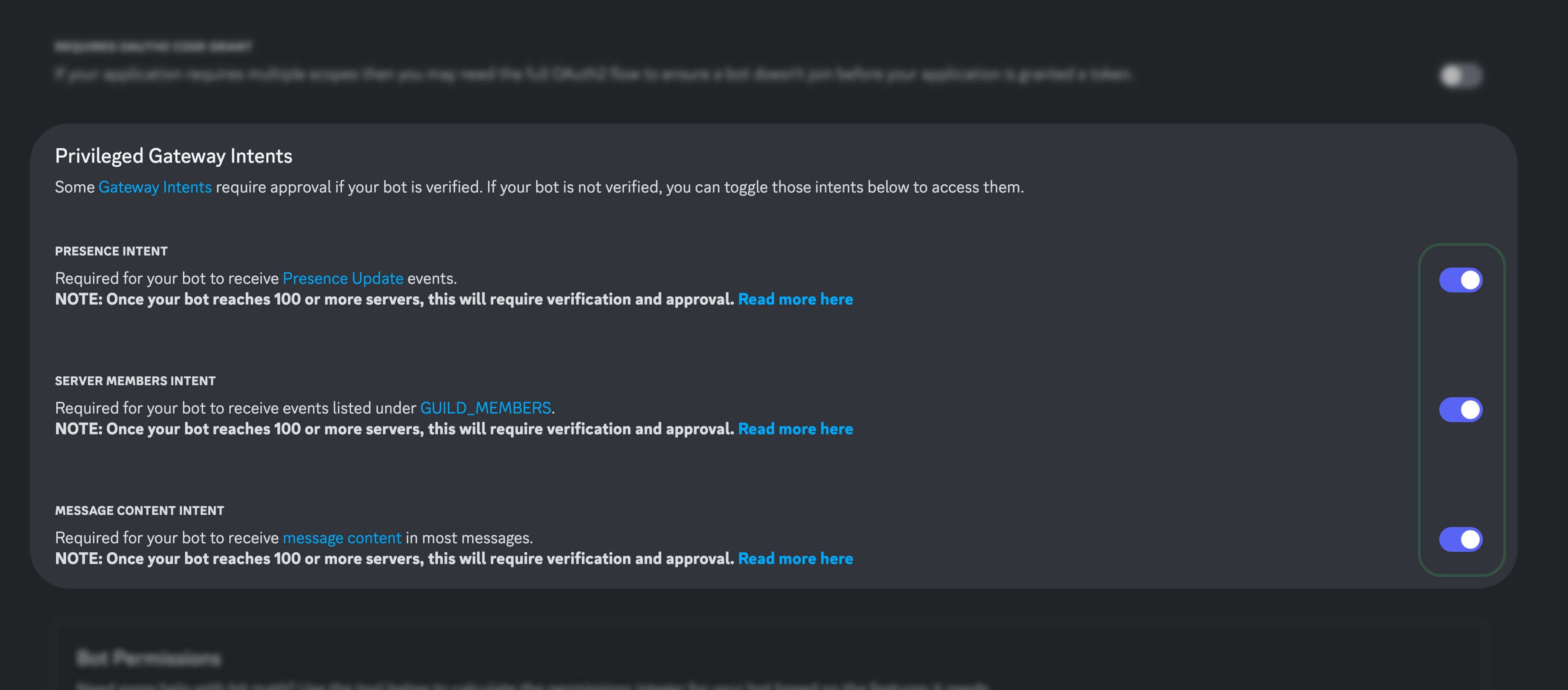
Enable all Privileged Gateway Intents
You can find these in the Bot tab under the Privileged Gateway Intents section.
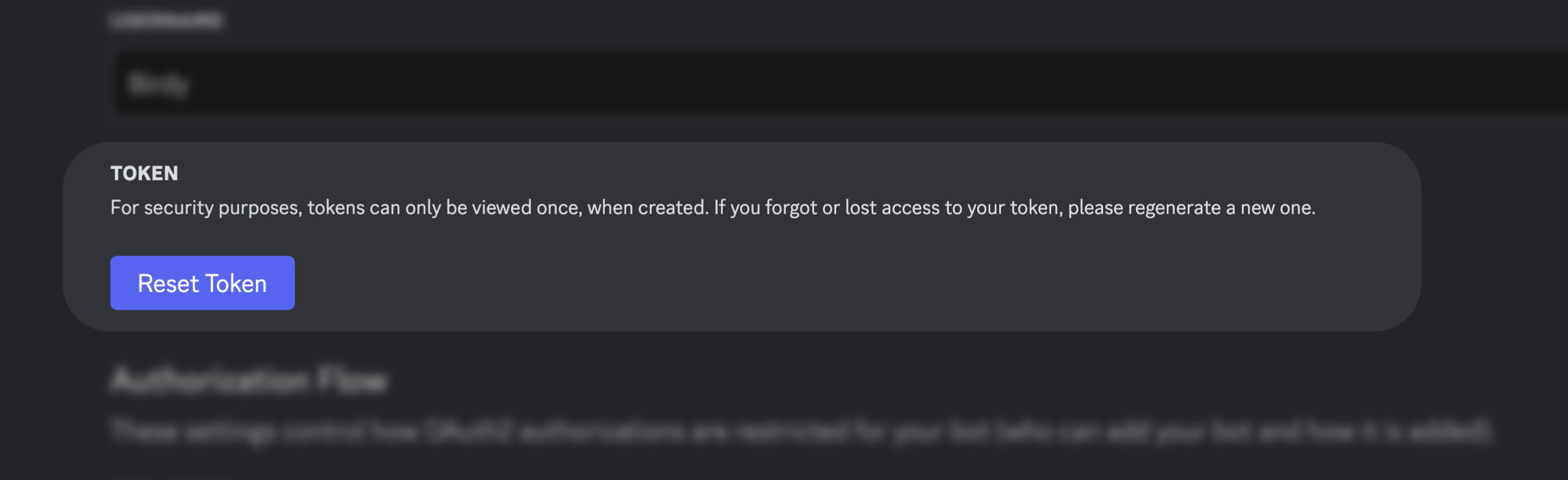
Now reset your bot token and copy it. You'll need this in the GalaxyBot dashboard shortly
Insert Bot Token in GalaxyBot Dashboard
Go back to the GalaxyBot Dashboard (on your server, under the "Plus" section) and paste the copied token into the provided field.
Then press "Invite" to invite your bot to your Discord server, if you haven't already done so. If you don't see an "Invite" button, you've probably already done that.
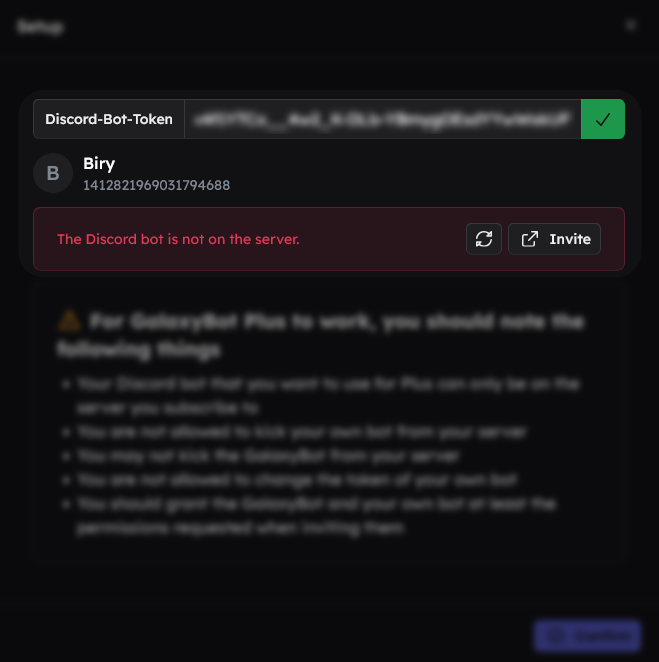 Once your custom bot has joined the server, click on "🔄" in the dashboard to trigger the check again.
Complete Subscription and Get Started
Once everything is set up, press "Next" and complete the subscription with one of the available payment methods. Your bot setup will now start automatically – this usually takes 2–5 minutes.
Once the process is complete, you'll have your own, fully functional Discord bot at your disposal – with all known GalaxyBot modules and features.
Start Now with Your Own Discord Bot
GalaxyBot Plus gives you full control over your server presence – without technical hurdles. Whether for roleplay, gaming communities, or creator servers: With your own bot, you'll take your Discord to the next level.
Problems with Plus?
As a Plus user, you can open a Plus Ticket in the #plus-support channel on our Discord server. You'll get help with questions and issues as quickly as possible.