

Embed Editor
What can the Embed Editor do?
The Embed Editor appears in several places on the dashboard. You can use it, for example, to customize welcome embeds to match your preferences.
How do I use the editor?
Open the editor
Click in a module on
Edit EmbedThe editor will then open.
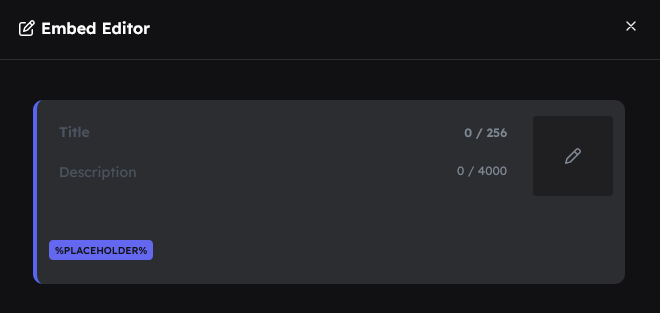
Title
The title is the first line in the embed and immediately shows what it is about. However, it is not required.
(Optional, max. 256 characters)
Description
A longer explanation below the title. Here you explain what the user should do.
(Required, max. 4000 characters)
Thumbnail
A small image in the top right of the embed. Click on the placeholder image in the top right to add a thumbnail.
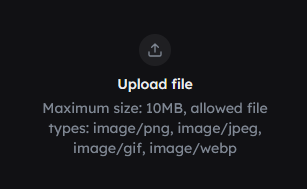
Optional, supported formats: PNG, JPG, GIF (max. 10 MB).
Image
A large image at the bottom of the embed. Click on the large placeholder image at the bottom to add an image.
Optional, supported formats: PNG, JPG, GIF (max. 10 MB).
Placeholders
Some embeds include placeholders like %USERNAME%. To use them, simply click the desired placeholder twice.