Platforms
YouTube
Set up YouTube notifications on your server
Set up YouTube
Activate YouTube
First, activate the YouTube module using the toggle at the top of the page.
Add a channel
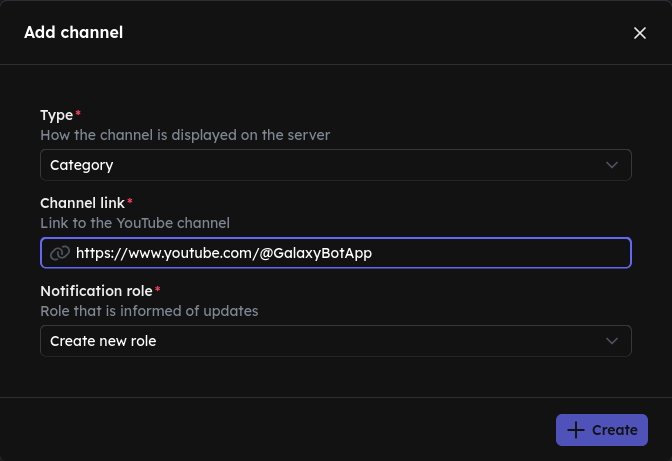
Click the icon to add a YouTube channel. Enter the full link to the YouTube channel, e.g. https://www.youtube.com/@GalaxyBotApp. You can find the link on the channel's YouTube page.
Choose a display type
Choose how the YouTube channel should be displayed on your server.