

Category
Category
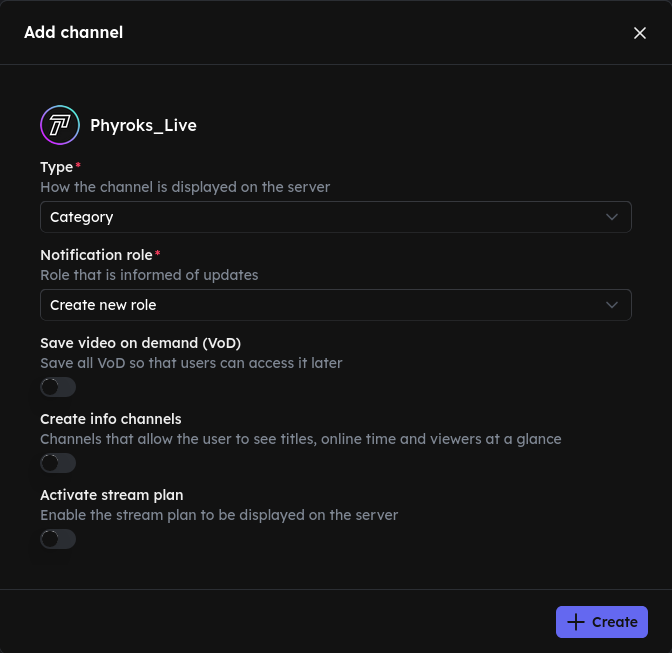
If you choose this option, the Twitch channel automatically gets its own category on your server. A channel is created in this category, along with channels that show the user whether they have their ping enabled or not. *We recommend this option.*
Notification role
Choose a role that gets pinged when the channel goes live. If you don't have a role yet, select Create new role.
Save video on demand (VoD) (optional)
When enabled, all completed streams are automatically saved as a thread. This allows your members to catch up on missed streams at any time. You need to select a channel where the VoD threads will be created.
Create info channels (optional)
Once the channel goes live, these info channels are created in the category so your members can get information at a glance:
- Title of the current stream
- Online time of the streamer
- Viewer count of the stream
Activate stream plan (optional)
Show the stream schedule on your server. You need to select a channel where the schedule gets posted.
Click Create to add the channel.